25 real screens, in the order you meet them: starting a task, agents working side by side, approving, reviewing, running and shipping, Overclock for the big jobs, and the mobile app.
013 screens
Start a task
A task is a sentence. Dunea turns it into its own branch and worktree, with the agent of your choice.
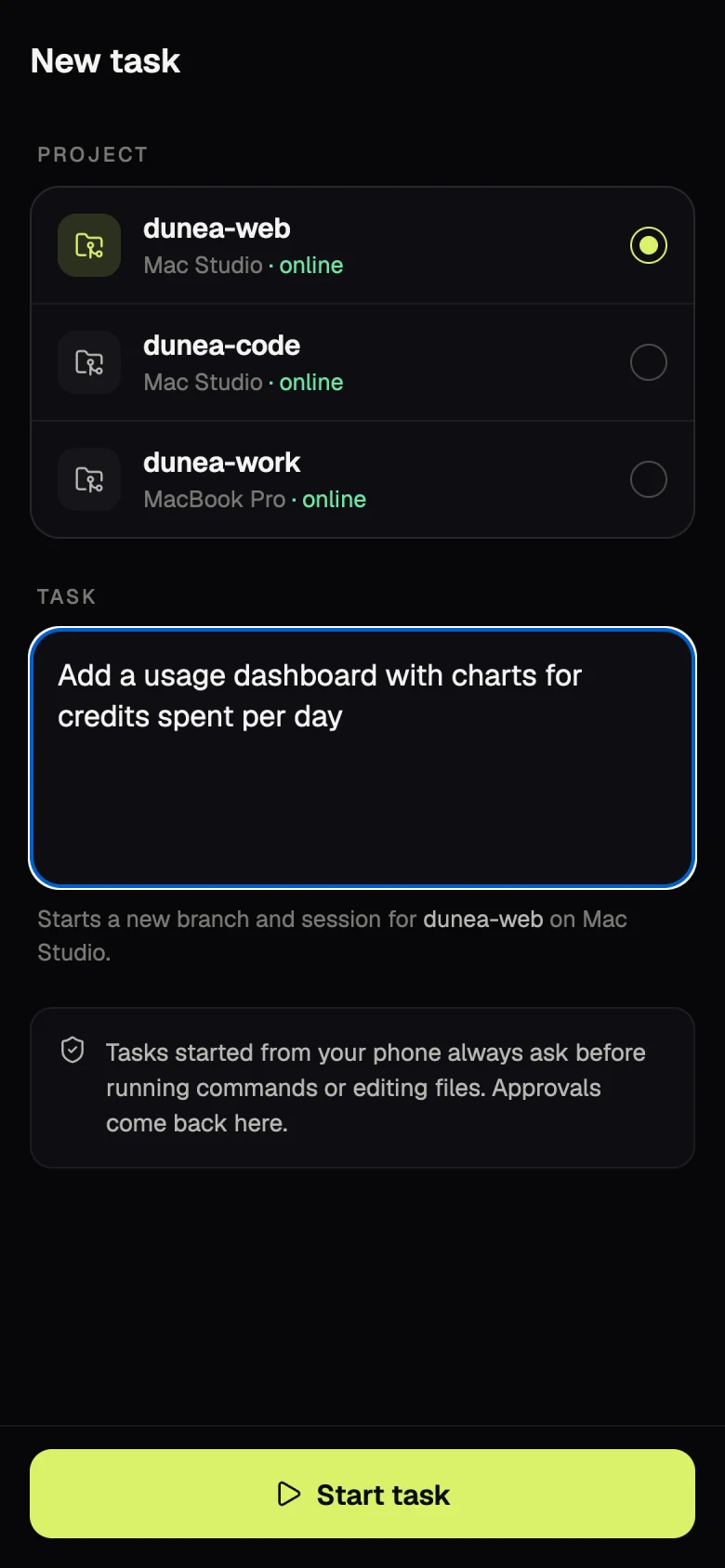
Describe the work, press Create. Pick the project, type what you want done, and choose the agent, model and mode. The task becomes a branch with its own folder, ports and chat.Claude Code, Codex or Dunea Code. Run each task on the agent that suits it. Bring your own Claude or ChatGPT plan, or use Dunea Code on your Dunea credits.You decide how much it asks. Ask before edits, accept edits, plan first, auto, or bypass. Shift-Tab steps through them without leaving the keyboard.
025 screens
Agents at work
Every agent works in its own worktree, so they never touch each other’s files. You watch them all from one sidebar.
A chat that shows its work. Claude Code reads the code, edits it and runs the tests. Each turn ends with the files it changed and their line counts.Open any step to see exactly what ran. Reads, searches, edits and commands, one line each. Expand one to see the diff or the command output.Switch to Editor mode to read the code. The same worktree as a code editor: the file tree, the agent’s edits inline with Accept or Revert on each change, Accept all, and the chat beside it.Codex reviews what Claude Code built. Open more tabs on the same worktree. Here Codex checks Claude Code’s sign-in work, finds two risks and fixes them.Dunea Code writes the docs. A third agent in the same worktree documents the new sign-in, while the other two keep working.
032 screens
Approvals
Agents ask before risky steps. Everything that needs you lands in one queue.
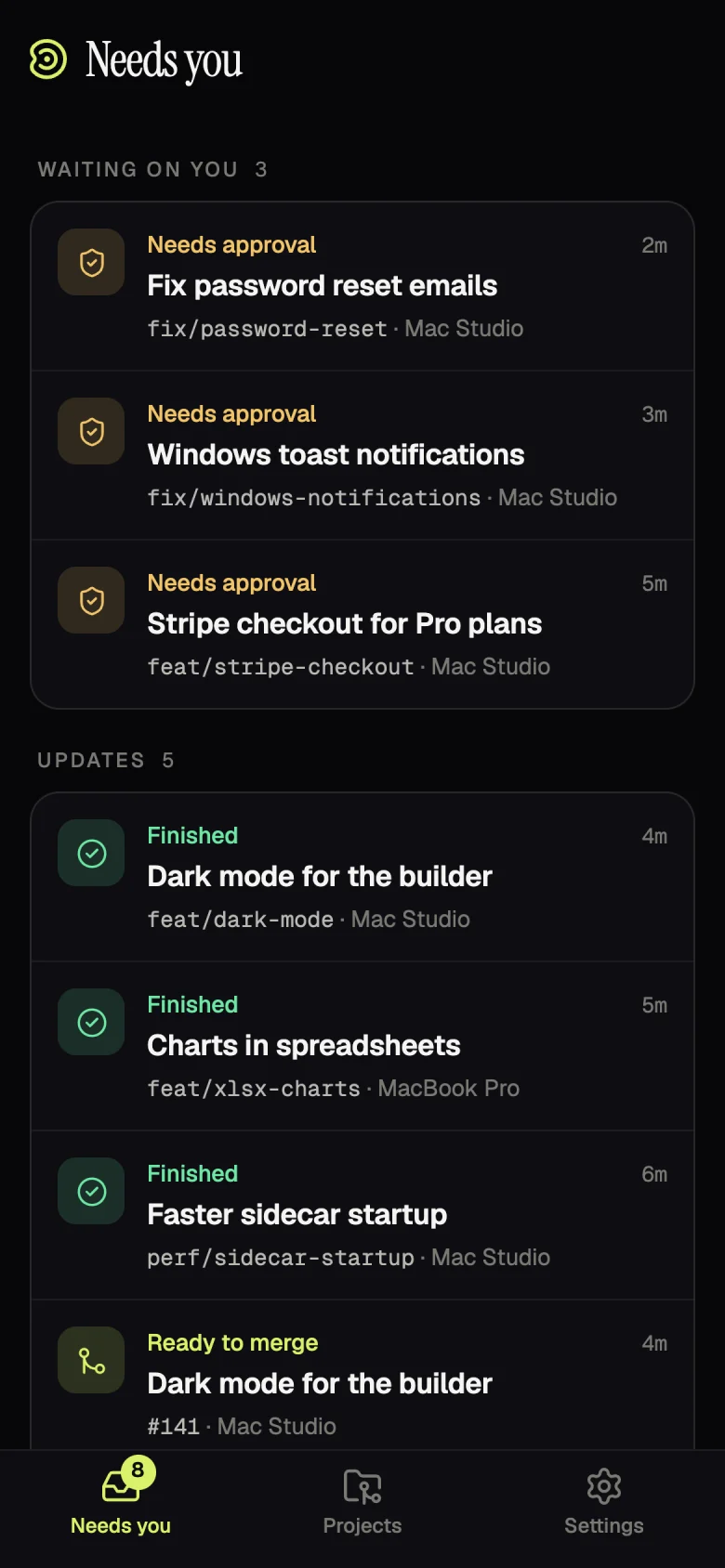
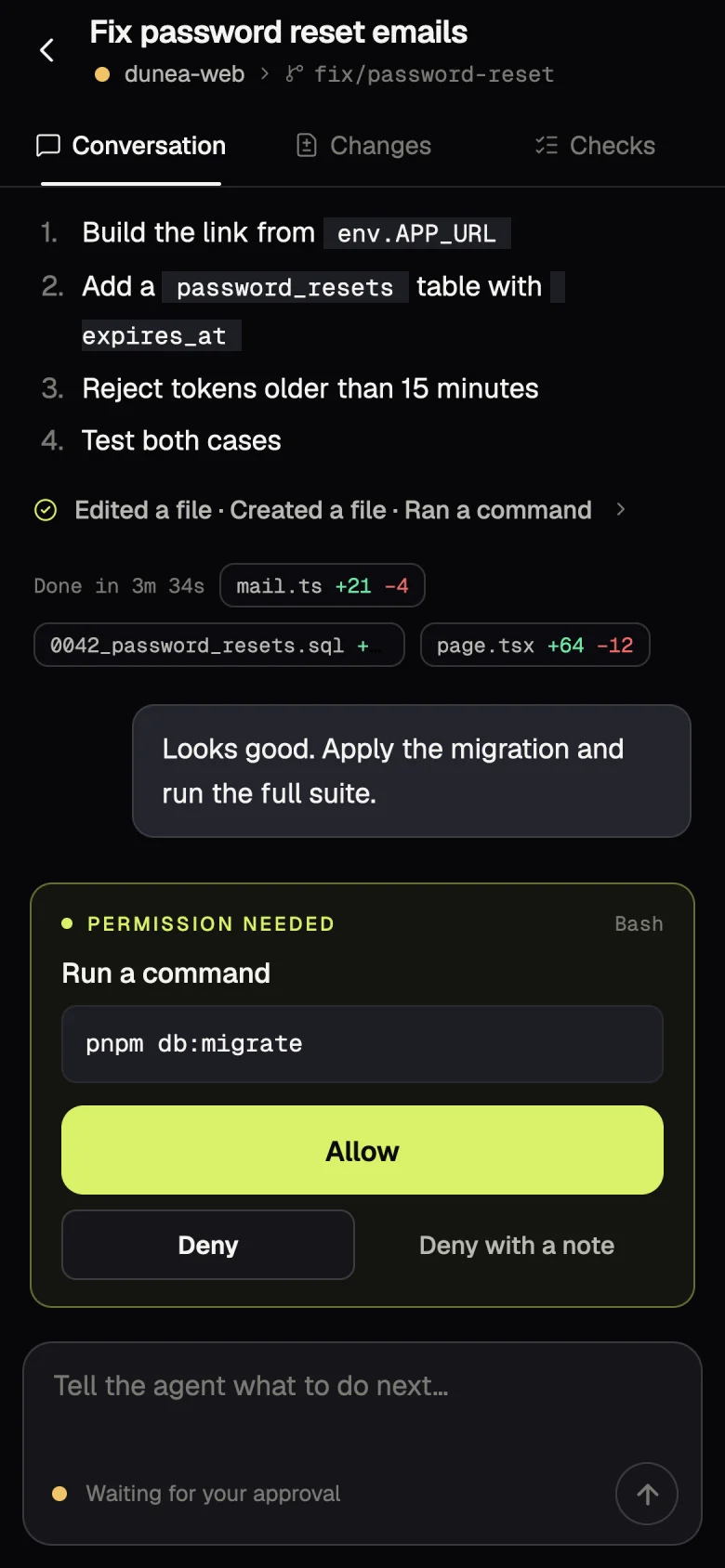
One list of what needs you. Approvals and finished work from every project, newest first, with what is working, open and idle at the top.Approve all, or one by one. When an agent asks for several things at once, read each command, then approve or deny them together.
042 screens
Review
Read every change where it happened before it goes anywhere.
Every changed file, beside the chat. The Changes panel lists each file with its line counts. Stage, revert, or open one.Split or unified diffs. See exactly what the agent changed, line by line, with syntax colours. Comment on a line to send it back.
051 screens
Run
Each worktree runs its own copy of your app, on ports leased just for it.
Setup, run, and watch the logs. Your setup and run scripts start the app for this branch. The dev server log sits under the chat, one click away.
062 screens
Ship
From chat to merged pull request without leaving the window.
Open, update and merge the PR. Checks and reviews show in the header. When it is green and approved, merge from here.Merged, then move on. Continue on a fresh branch in the same chat, or archive the worktree. Its branch and chats are kept.
072 screens
Stay organised
However many agents are running, you can always see where everything stands.
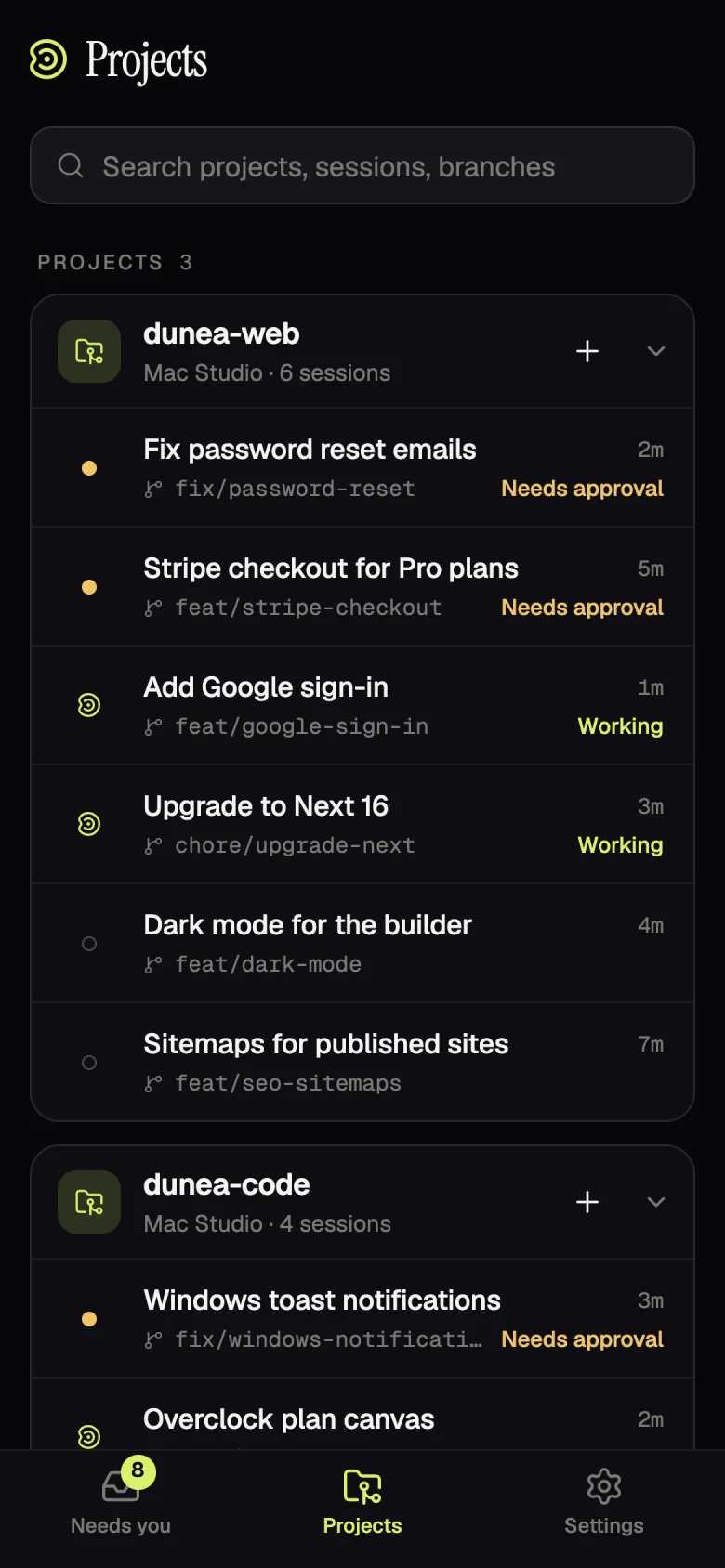
Every worktree by status. In progress, review and done, across all your projects.Everything from the keyboard. Jump to any worktree or tab, start a new one, or run an action.
082 screens
Overclock
For work too big for one task: describe it once and Overclock plans and builds it across agents.
One prompt. Name the run and describe what you want built.A plan that builds itself. Features and tasks in a graph, each in its own worktree. It asks you only what matters, and states the assumptions it made.
096 screens
Dunea Remote
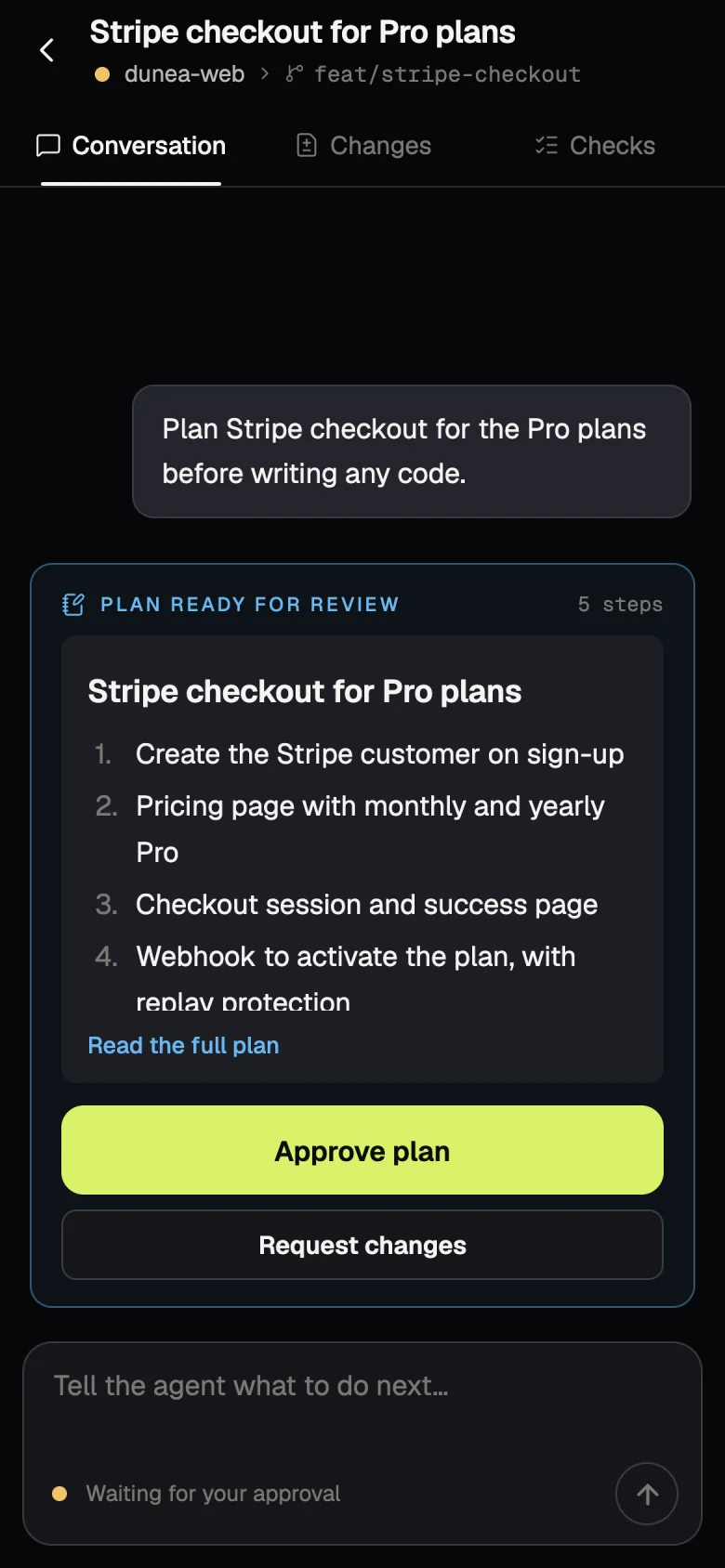
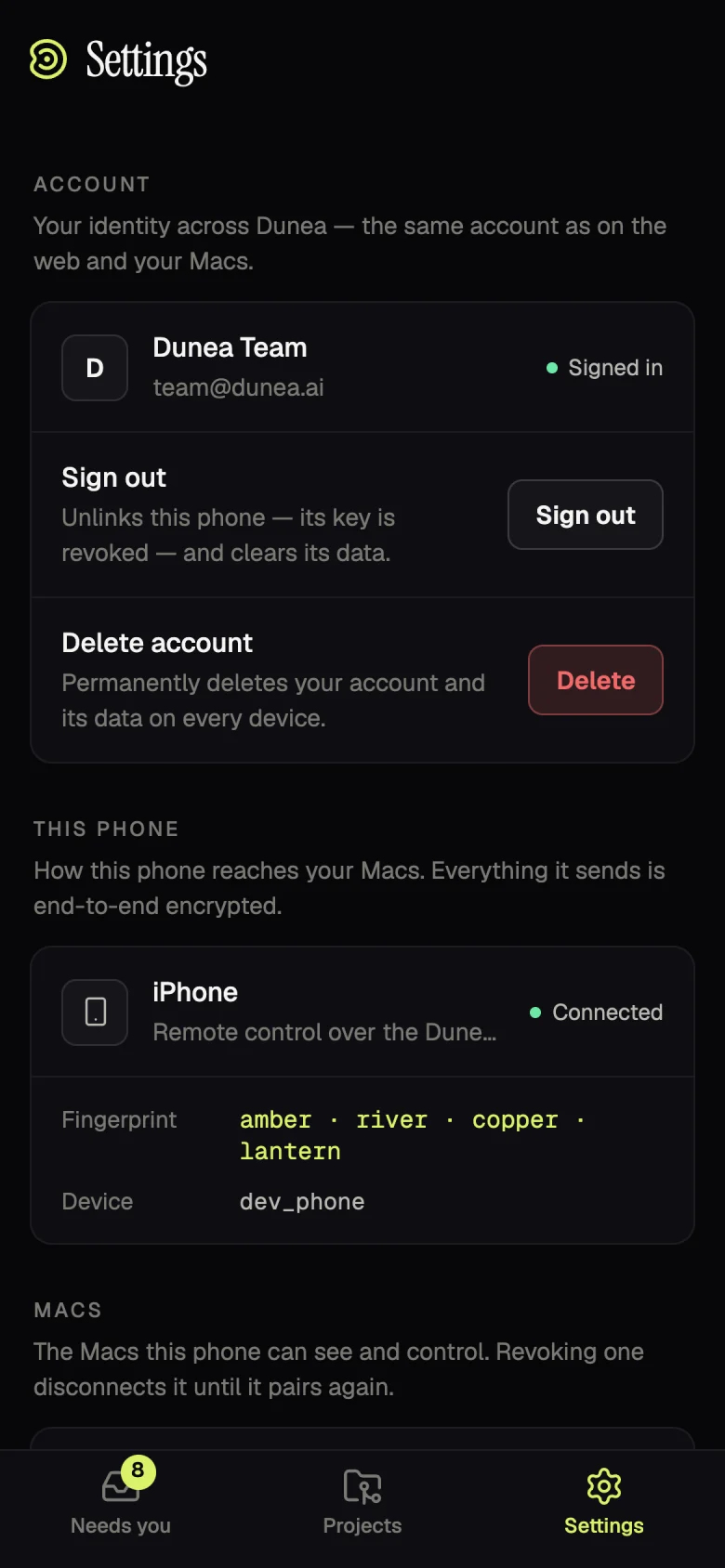
The Dunea mobile app pairs with Dunea Code on your desktop, so every agent is in your pocket.